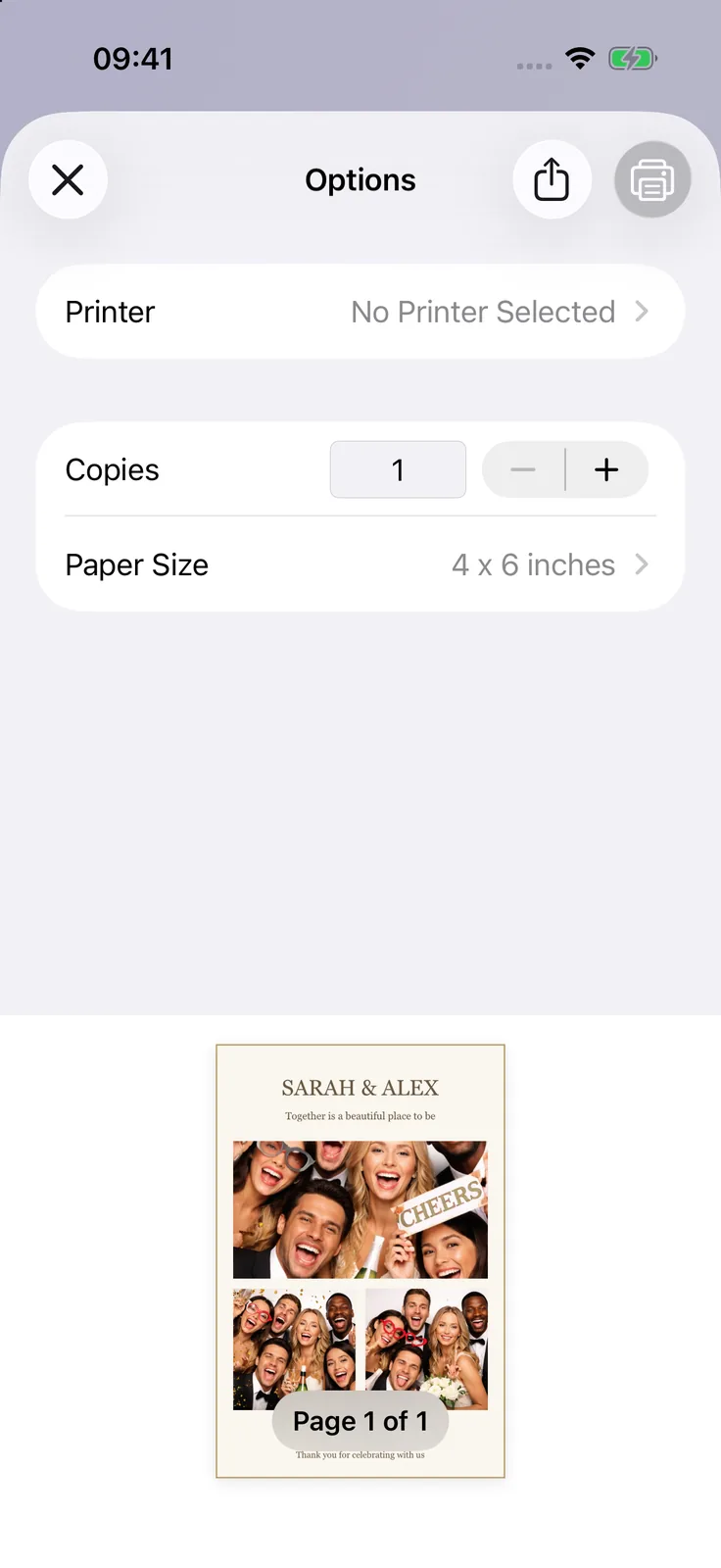
4 x 6 Center Grid
Your first event is on us · Premium for additional events · iOS 15+
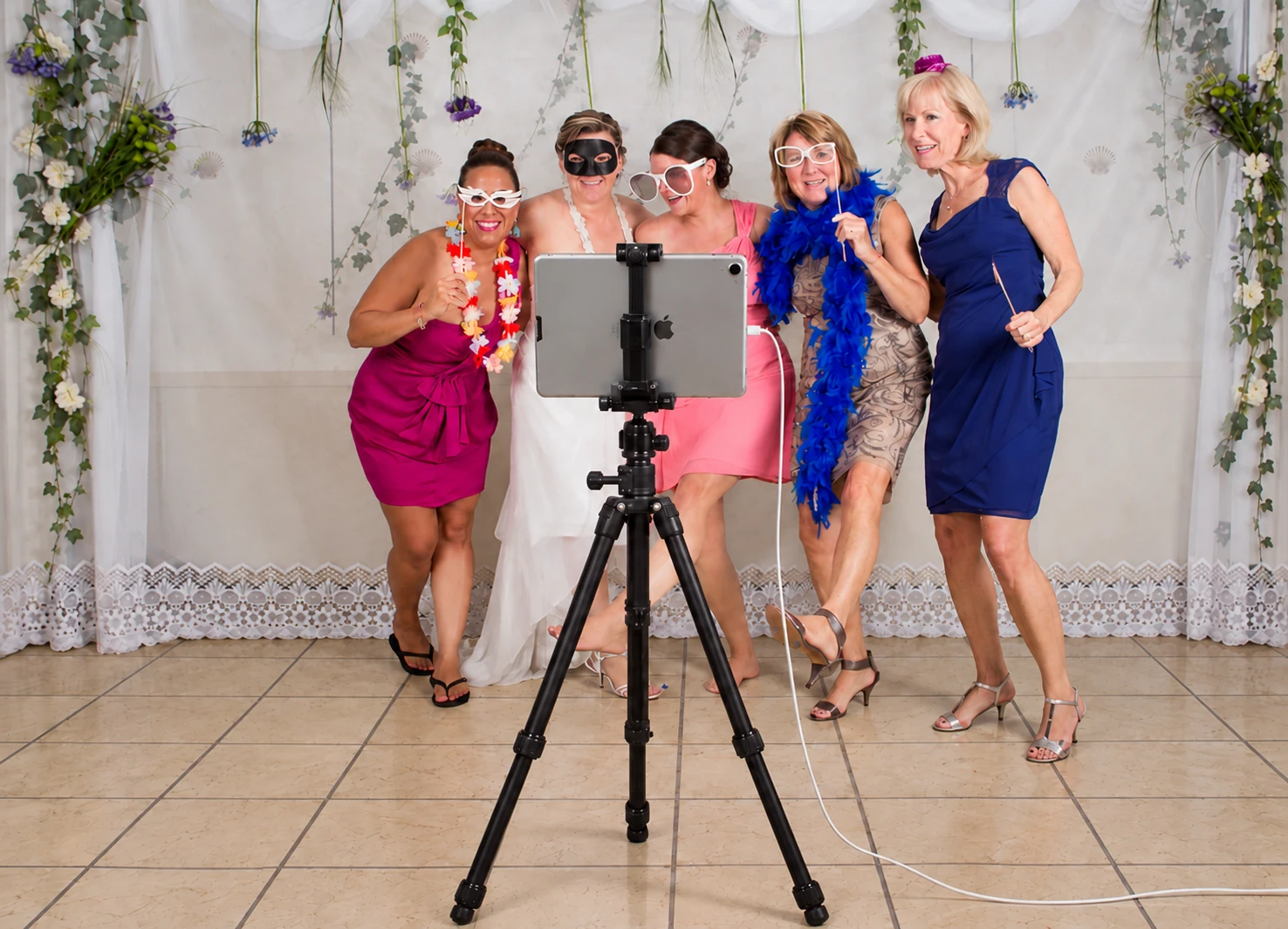
See how the app worksTurn your iPhone or iPad into a photo booth for weddings, parties, and company events.
“There are a multitude of beautiful templates that are simple to modify. … Photo Booth is a wonderful, affordable option to help elevate your events.”
 US App Store
Photo strips, bold party designs, and wedding layouts. Choose a favorite and make it yours.


Swipe to see more designs.
Use your own iPhone or iPad, let guests take their photos, and give them an easy way to keep the memories.
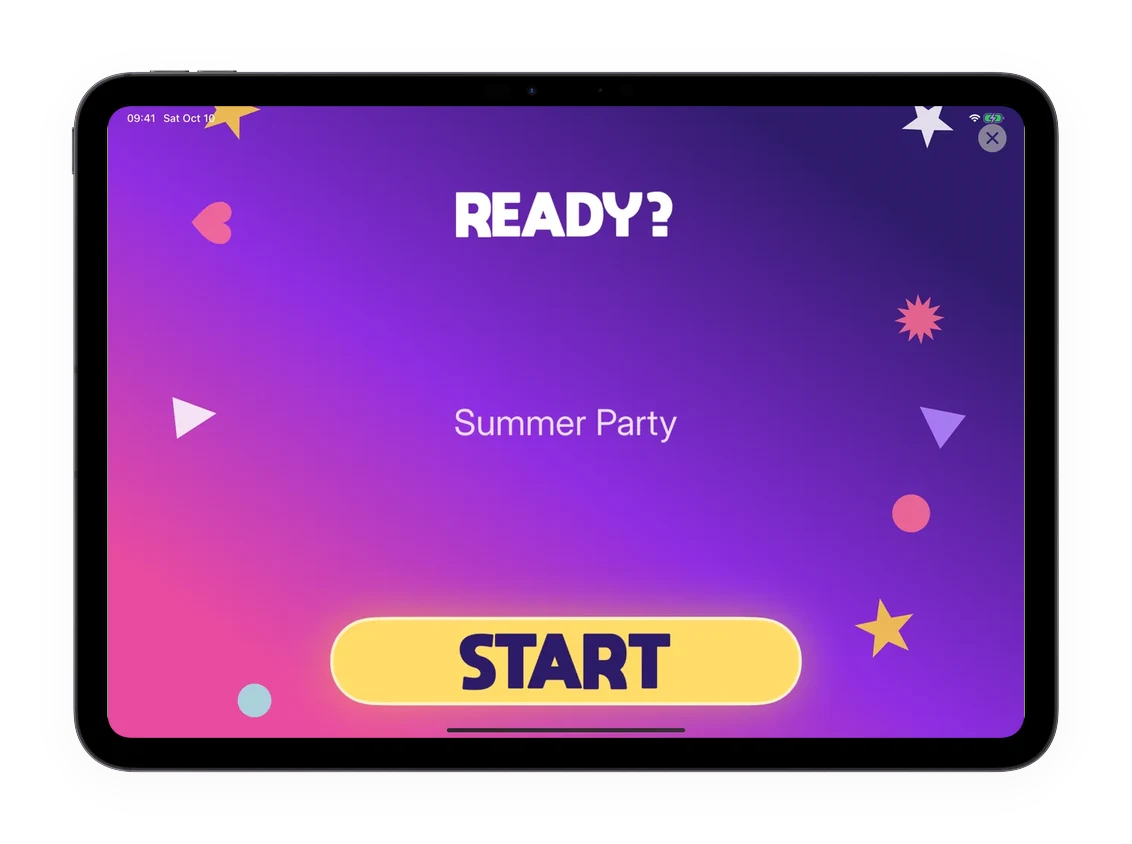
Create an event, choose a design, and let guests take photos on their own. No app download needed for guests.
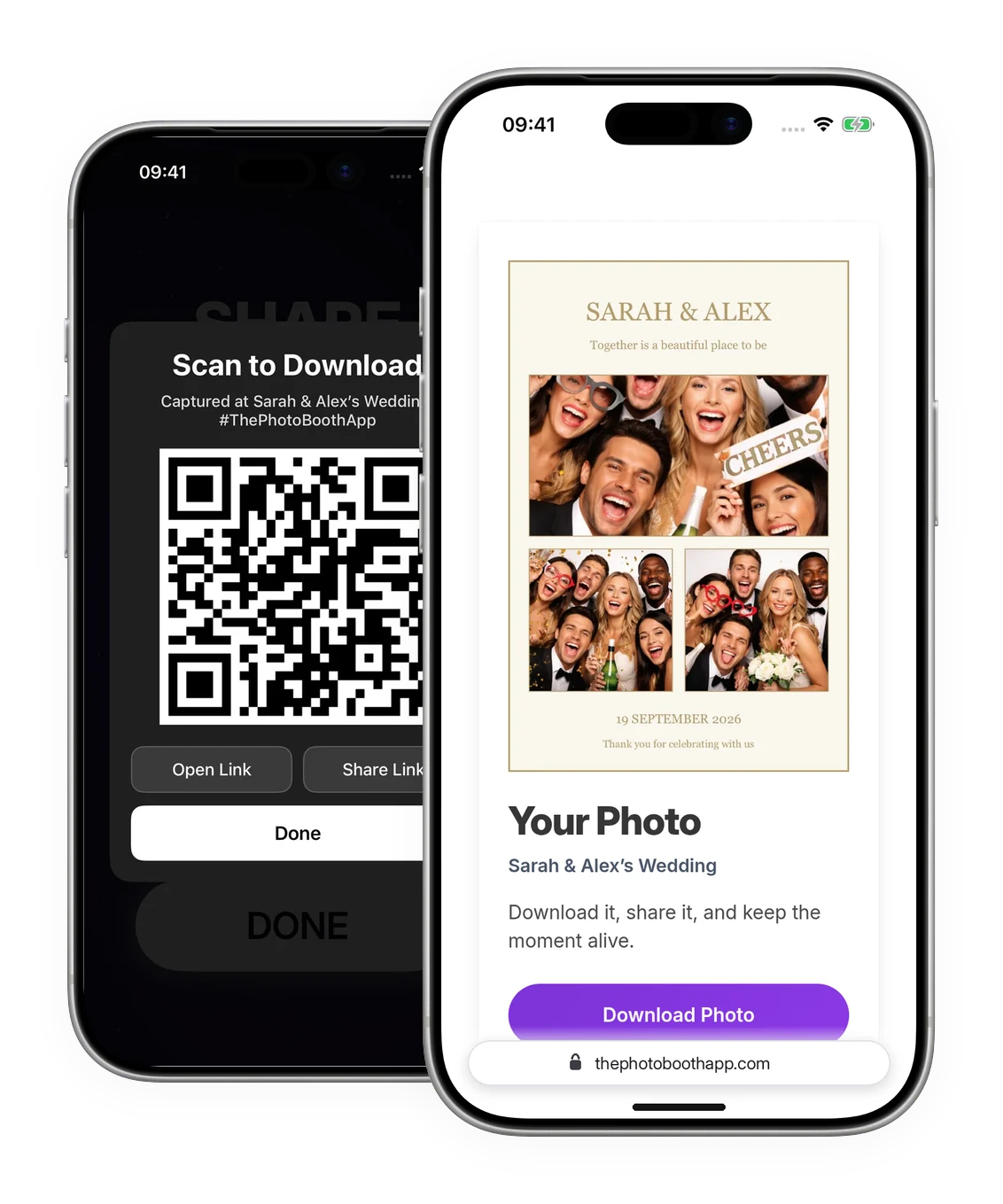
Share through QR codes, AirDrop, email, or messages. Guests can download their photos from a link. Online sharing needs internet.
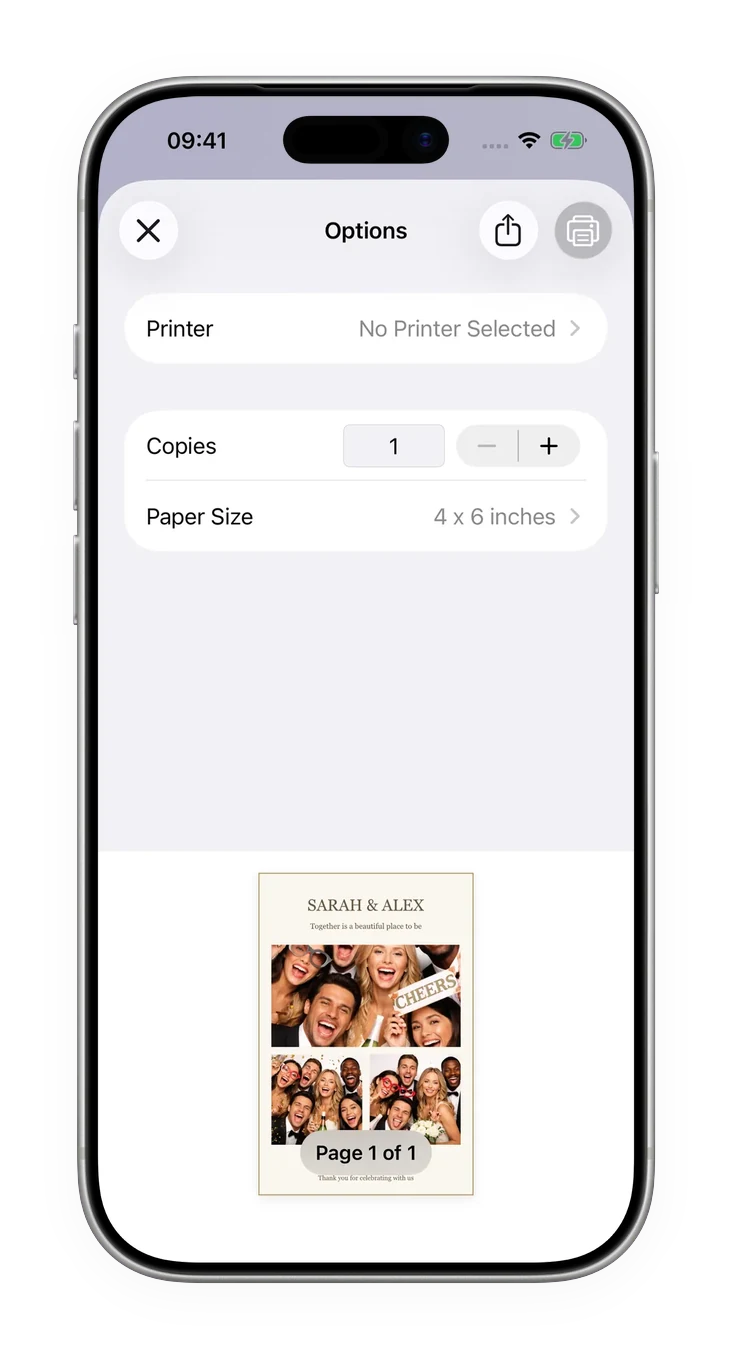
Add your names or artwork to a photo layout, then print with a compatible AirPrint printer. Test your printer and paper before the event.
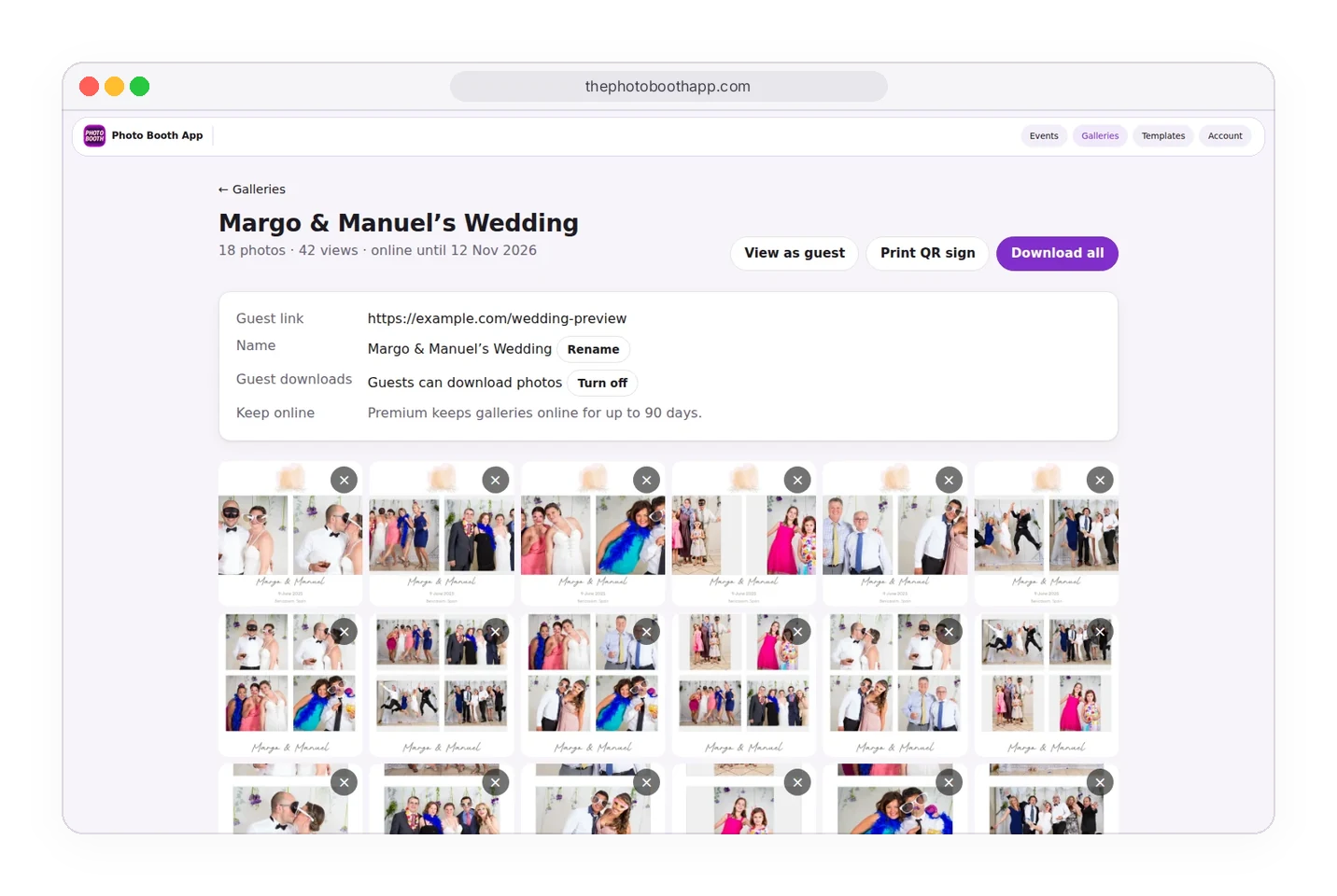
Browse the photos saved on your device. Upload the ones you want to an online gallery so guests can revisit and download them.
See how people bring their celebrations to life with Photo Booth App.
New features, event ideas, and practical guides for your next booth.
We compared the 9 most popular iPad photo booth apps on price, ratings, features and device support, so you can pick the right one for your event.
See Photo Booth App's iPhone Duo layout in a fold video and app screenshots, and find the version that introduced it.
Set up an AirPrint printer, choose your paper size, and make a test print. Find out what to check if your printer does not appear.
More questions? Visit the support page
“We used this app for a company event and it worked really well.”
US App Store review
“The kids did it themselves and just loved it.”
US App Store review
“It worked really well and it added another level of entertainment that we weren’t expecting.”
US App Store review


Download Photo Booth App, create an event, choose a template, and turn your own iPhone or iPad into a photo booth.
 Scan to download